
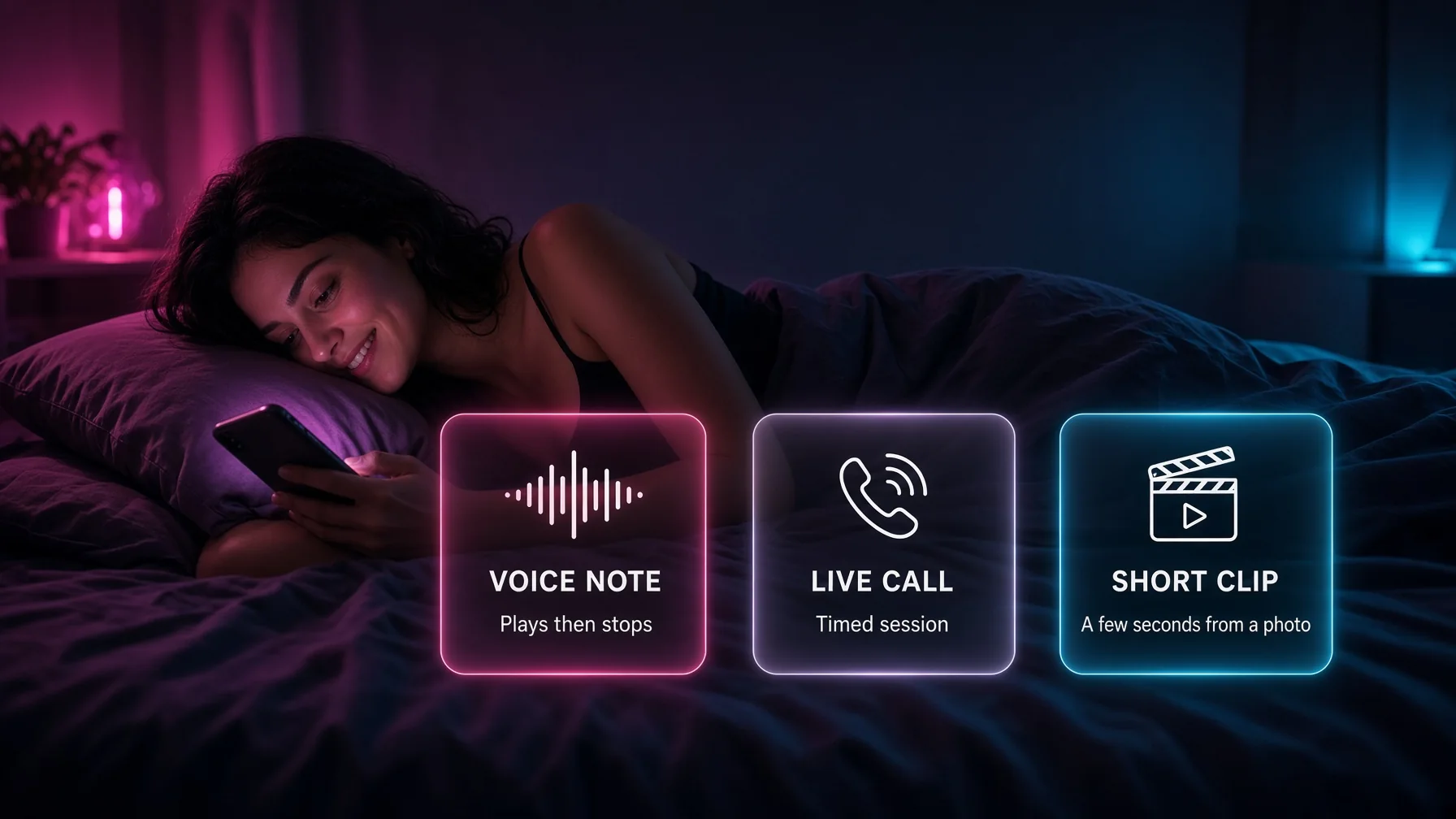
Voice messages, live calls, and interactive video are three separate features on an AI girlfriend app. A voice message is a short audio clip the companion sends in the chat. A live call is a timed conversation, in the browser or on a phone, where both sides speak. Interactive video is a short generated clip, usually a few seconds, started from a photo or a prompt. Treating them as one “voice and video” line on a plan page hides the difference in quality, in limits, and in price.
Most uncensored AI girlfriend products in 2026 include at least one of the three on a paid plan. Very few include all three at a high standard. A plan can offer clear voice notes and weak video. Another can ring a real phone and still meter the minutes. A third can turn a still photo into a five-second clip and have no call at all. The feature list is not the product. The button that was opened is the product.
This guide explains how each feature works, what a paid plan usually includes, how credit billing attaches to audio and video, and how to tell a real call from a note with a phone icon. Prices and limits below are examples from common plan sheets, not a promise that every checkout will match them.
What a voice message is
A voice message, also called a voice note, is recorded-style audio inside the chat. The user types or the scene continues, and the companion replies with a playable clip instead of only text. The clip is generated from a text-to-speech model, often with a chosen voice: soft, low, playful, or tagged to a character.
On an AI companion app, the note is not a phone call. It does not require a microphone in every case. It does not stay open. It arrives, it plays, and the thread continues. That is why notes feel closer to a text than to a conversation. They add tone. They do not add turn-taking in real time.
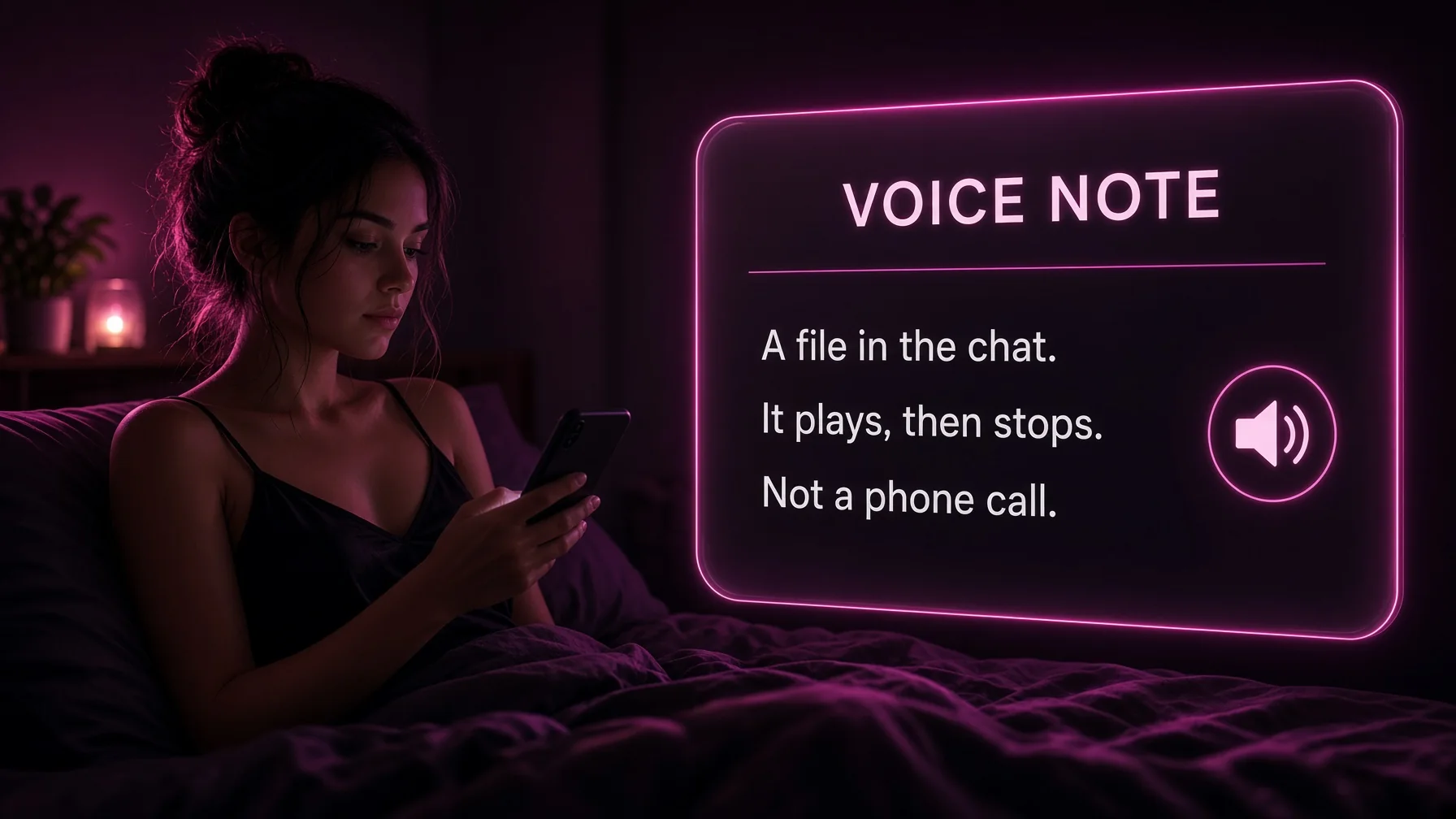
Good notes match the woman in the thread. The same voice returns the next night. A bad note uses a generic reader that could belong to any card on the roster. Consistency matters more than a long clip. A ten-second note in the voice from yesterday is more useful than a minute of a new voice that breaks the scene.
NSFW AI chat does not automatically make the note explicit. Some apps keep adult wording in text and soften it in audio. Others speak the line as written. A plan that says “uncensored” should be tested on a note, not assumed from the chat filter.
What a live call is
A live call is a spoken session with a start and an end. The user talks. The companion answers in audio, with a short delay. Some calls stay inside the browser. Some place a ring on a real phone number. The second kind is rarer, and it is the one people mean when they say the app calls like a girlfriend.
A browser call and a phone call are different products. A browser call needs the tab open, a microphone, and a stable connection. A phone call can arrive when the laptop is closed, and it usually has a country limit, a daily minute cap, and a setup step that links a number. A feature grid that says “voice calls” may mean only the browser. The account page is where the ring is confirmed.
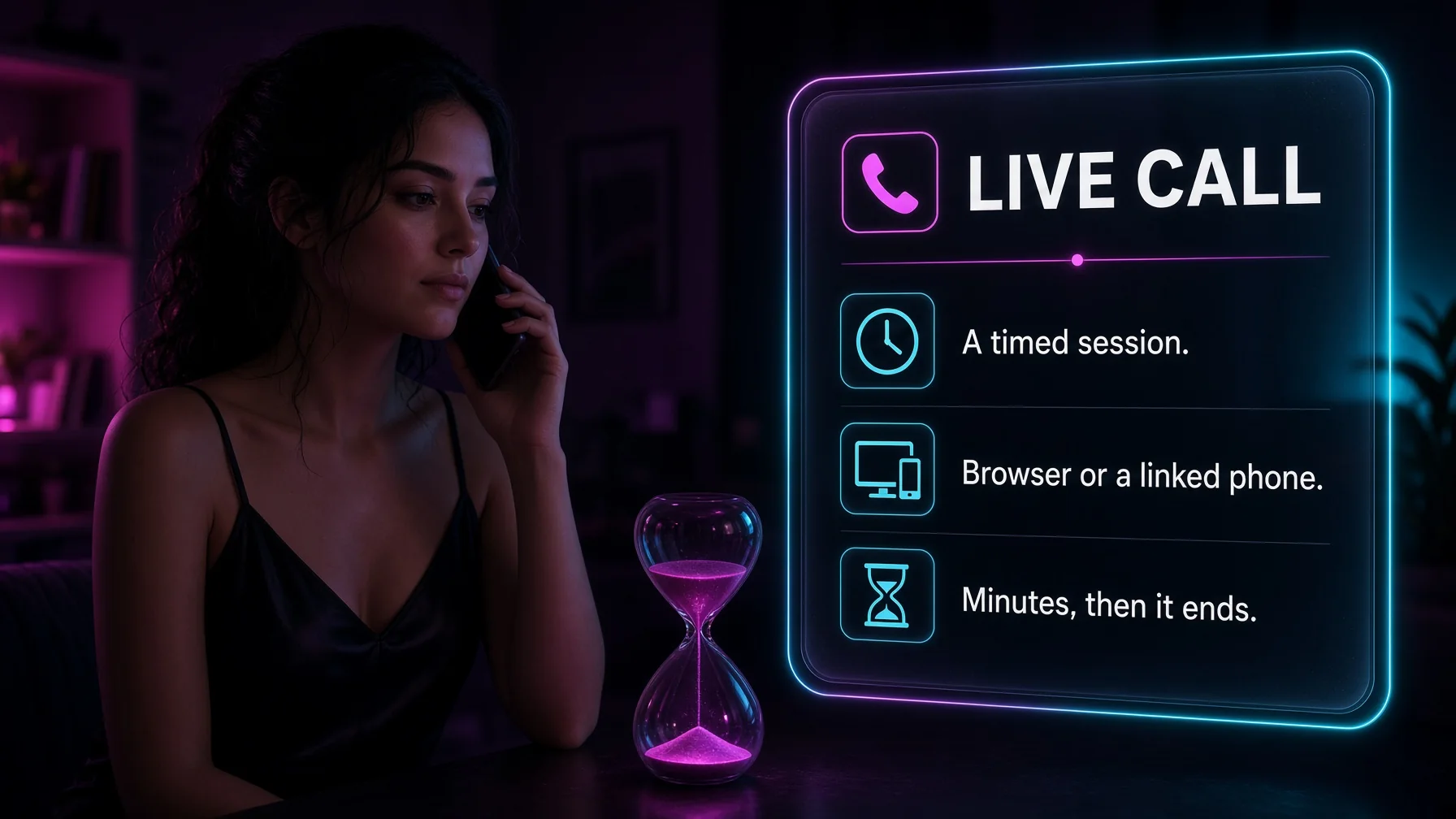
Latency is the quality test. A reply that waits several seconds feels like a voice note played on a timer. A reply that follows the last sentence feels like a call. Emotional range is the second test. Many voices stay in one tone: warm, or breathy, or flat. A call that cannot change pitch when the scene changes will feel thinner than the text thread, even if the words are right.
Memory on a call is uneven. Some companions carry the chat into the call and remember a name or a rule. Others start clean and need the context repeated. A call that forgets the thread is a separate session, not an extension of the night.
What interactive video is
Interactive video, on these apps, is almost never a live camera. It is a short clip generated from a prompt or from a photo already in the chat. The user asks the companion to move, or sends a keeper still into an image-to-video tool. The result is a few seconds of motion: a look toward the lens, a shift of weight, a turn. Text-to-video starts from a sentence and has no saved face unless the prompt rebuilds one.
“Interactive” usually means the user chooses the moment, the length, and sometimes the action. It does not mean the clip responds to speech while it plays. A live video call, with a face that reacts on camera, is a different product and is uncommon on AI girlfriend apps. Most plan pages that say video mean a generated clip.

Length is the limit that matters. Clips of three to fifteen seconds are the normal range. A ten-second walk, a five-second turn, and a fifteen-second scene are not the same job. Extending a clip, or adding audio, raises the cost and the failure rate. Lip sync, where the mouth matches a spoken line, exists on some apps and is a separate pass.
Quality fails in predictable ways. A shoulder slips. A hand merges. A loop restarts. The face holds on a good image-to-video run and drifts on a weak one. A keeper photo should exist before motion is requested. Generating video from a bad still spends the credit and keeps the mistake.
How the three features differ
| Feature | What it is | Typical length | What it needs |
|---|---|---|---|
| Voice message | A playable note in the chat | A few seconds to a minute | A paid plan, sometimes one credit |
| Live call | A timed spoken session | Minutes, often capped | A microphone, sometimes a linked phone |
| Interactive video | A generated clip | About 3 to 15 seconds | A photo or a prompt, and a larger credit cost |
A plan can include the first and lock the second. A plan can include the second and have no video. Comparing apps on a single “voice and video” score hides that split. The useful comparison is which of the three opened, at what quality, and at what extra cost.
What a paid plan usually includes
On a typical Premium subscription, voice notes are the feature most likely to be included. The chat is already paid. The note is a format change. Live calls are more often limited: included on a higher tier, capped by the day, or metered by the minute. Interactive video is the feature most often tied to a credit balance rather than to the plan name.
Unlimited NSFW AI chat does not mean unlimited notes, calls, or clips. The message cap and the media cap are different meters. A plan can allow unlimited text and still charge for every clip. A plan can include voice notes and still charge for the call. Reading “voice” on the feature list means checking whether the note and the call are both on.
Some apps skip voice entirely and put the budget into images. That is a photo product with a chat, not a call product. The absence is useful information. It should be stated, not filled in from a competitor.
How voice messages are billed
Voice notes are the small audio spend. On some apps they are included with the paid plan and do not touch the credit balance. On others a note costs about one unit. A shop that charges one gem for a note and two gems to start a call has already separated the two features in the meter.
A light note habit will not empty a monthly grant of a few hundred units. A habit of playing every reply as audio can. The cost is taken when the note is generated, not when it is replayed, on most sheets. Replaying a saved note is usually free. Regenerating it in a new voice is not.
Custom voice, where the user picks a tone or trains a sound, may sit on a higher plan. Training a real person’s voice without consent does not belong in this product. A preset list of adult voices is the normal tool. The test is whether the chosen voice returns on the next note.
How live calls are billed
Live calls are where the timer and the credit meter meet. Three patterns show up on plan sheets.
The call is included in the subscription, with a daily minute cap. A cap of 30 to 60 minutes, resetting each day, is a time limit. The credit balance may not move. The call still ends.
The call is metered by the minute. A rate of a few coins a minute, or a unit a second, turns a long call into the largest line on the night. A grant of 100 coins at 3 coins a minute is about half an hour if nothing else is generated. A coin a second is a different product.
The call is included in name and metered in the account. The feature list says voice calls. The balance drops while the call runs. That is not an included call. The account page has the rate.
Phone calls add eligibility rules. A United States number, a linked handset, and a daily cap can all block a call that the credit balance would have allowed. A browser call may work in more countries and still feel less like a ring. Ultra-style tiers that exist mainly for the phone call are a poor buy if the number cannot be linked.
How interactive video is billed
Short video costs more than a photo. A five-second clip can cost as much as dozens of stills. A shop that prices a five-second clip at more than a thousand units, against a monthly grant of eight thousand, is offering a handful of clips. A shop that prices a ten-second clip at about a hundred credits, against a grant of a thousand, is offering about ten clips if the month is only video.
Quality modes multiply the cost. A lite pass, a fast pass, and a max pass can sit on one button. The max pass is how a single clip spends the month. Adding audio, extending the clip, or upscaling it is another charge. Image-to-video from a keeper photo is the better spend. Text-to-video that invents a new face spends the same kind of credit for a weaker match to the chat.

Failed clips still cost money on most meters. A broken joint or a slipped shoulder is not refunded as a free retry unless the app says so. That is a reason to spend on the still first.
Memory, tone, and what carries from the chat
The chat is where the companion learns a name, a rule, and a scene. Voice and video do not always inherit that memory.
A voice note generated from the last message usually stays in character, because it is speaking that message. A live call may or may not load the thread. If the call opens with a generic greeting, the memory did not travel. Feeding one concrete detail at the start of the call is the practical fix. It is also the test.
Video has a different memory problem. The clip remembers the photo it started from, not the paragraph above it, unless the app builds the prompt from the scene. A photo of the woman in the thread, sent into image-to-video, keeps the face. A fresh text-to-video prompt can produce a similar woman who is not the same woman. Interactive, in that case, means the user directed a new generate.
Tone is a separate limit. Text can be dry, then filthy, then quiet. A single voice preset may stay in one register. Apps with many voice options let the user pick the register before the note. Apps with one house voice will sound like the house, on every card.
Privacy and the bank line
A voice note and a call contain more identifiable audio than a text thread. The practical rules are the same as the chat. Use a fictional scene. Do not upload a real person’s voice or face. Do not treat the call as a private line in the legal sense unless the plan states a specific protection and that statement has been read.
Discreet billing is about the card statement, not about the audio. A plan can keep adult wording off the bank line and still store notes and clips in the account. Deleting a chat does not always delete a generated file. Download anything that should be kept, and clear anything that should not, before a plan ends.
Phone-call features that require a real number tie the account to that number. That is a larger identification step than an email login. It belongs in the decision to buy the call tier, not in a footnote.
How to test voice before paying for a year
A free account rarely includes a full call. It may include one note, or none. The clean test is the shortest paid length.
Open one adult companion. Ask for a voice note in the scene already underway. Play it. Ask for a second note the next day and check whether the voice matches. Then start a short call, if the plan includes one, and stop it after a minute. The per-minute cost and the delay will be obvious in that minute. Do not run a long call to “see if it gets better.” The rate does not improve with length.
Video should be tested last. Generate or pick one keeper photo. Request a short clip from that photo. Judge the face and the motion. A second clip is a budget decision, not part of the first test.
If the note is enough, the call tier can wait. If the call is the point, confirm the country rule and the minute cap before the top plan. If the clip is the point, price one clip against the monthly grant before the year.
What usually disappoints
Notes that sound like a generic reader, unrelated to the card. Calls that wait too long between sentences. Calls that forget the thread. Video sold as interactive that is a fixed loop. A daily minute cap that ends a call mid-scene. A credit rate that spends the month on one max clip. A phone call that only works in one country. A feature list that uses “voice” for a note and “video” for a button that is still in test.
None of these cancel a good text thread. They do cancel a purchase made only for the call or the clip.
A practical way to choose
Choose on the feature that will actually be used.
Chat and a few notes: a standard paid plan is enough if notes are included or cost one unit. The year is reasonable after the voice has matched for a second day.
Calls as the habit: confirm browser or phone, the minute cap, and the per-minute rate. A higher tier that exists for the ring is justified only if the number can be linked and the cap fits the night.
Video as the habit: price the clip, multiply by a week, and compare that to the grant. The subscription savings on a yearly plan do not discount the clip.
A mix: assume the grant covers one of those habits well, not all three. Photos, notes, calls, and clips draw from the same balance on most apps.
How voice messages are generated
A voice message starts as text. The chat model writes the reply. A separate voice model speaks that reply in the voice assigned to the companion. The two models can disagree. The text can be specific and the audio can flatten it, or the audio can add a breath and a pause the text did not have.
Shops expose this in different places. Some put a speaker icon on the bubble. Some ask the user to tap “voice note” before the reply is made. Some generate audio only when a credit is spent. The result is a file with a length, a voice, and a transcript that may or may not appear beside it.
Preset voices are the common catalog. A builder may offer a dozen or more: soft, low, bright, slow, playful. Assigning one at creation is what keeps later notes from sounding like a different person. Changing the preset later changes the sound of the same companion. That is a setting, not a new character, but it can break the illusion if the change is large.
Pace, accent, and the line that does not match
Pace is the first thing a replay reveals. A note that rushes a tender line, or drags a short reply into a speech, is a mismatch even when the words are right. Accent is the second. A companion written as one background and voiced as another is a builder problem, not a billing problem. The user can often swap the preset. The app cannot invent a perfect match from a single adjective.
The line itself fails when the voice model reads a stage direction. Some chats write “she laughs” into the reply. A good voice model laughs. A weak one says the words “she laughs.” That is the test for whether the note is a performance or a readout. It does not require a long session. One scene is enough.
How a live call is held together
A live call has to do more than play a file. It has to listen, or at least accept the next line, and answer before the pause becomes the point. Delay is the quality metric. A gap of a second can feel like a conversation. A gap of several seconds feels like waiting for a generate.
The call also has to stay in character. A note can be replayed and skipped. A call that drops the scene, forgets the name, or resets the tone is harder to ignore, because the user is still on the line. Memory on a call is often shorter than memory in the text thread. A companion who remembers a detail in chat may not bring it into the first minute of a call. That is a product limit, not a user error.
Phone-number calls add a carrier. The app has to place the call, play the voice, and hang up when the cap is reached. These calls have been limited to one country on some shops, with a daily reset of 30 to 60 minutes. An in-app call avoids the carrier and still depends on the browser, the microphone permission, and the connection.
When a call ends early
A call can end because the minute cap was reached, because the credit balance hit zero, because the connection dropped, or because the plan does not include calls and the button was a preview. The account should say which one happened. A hang-up with no reason is the version that produces support tickets. A hang-up that names the cap is the version that can be budgeted.
Users who want a long conversation are often better served by text plus a note than by a call that dies at the cap. The call is a format. It is not a longer memory.
How interactive video is generated
A clip starts from a prompt, a photo, or both. The image model makes or reuses a frame. A motion model adds movement for a few seconds. Audio, if it is offered, is a third pass. Each pass can have its own credit cost.
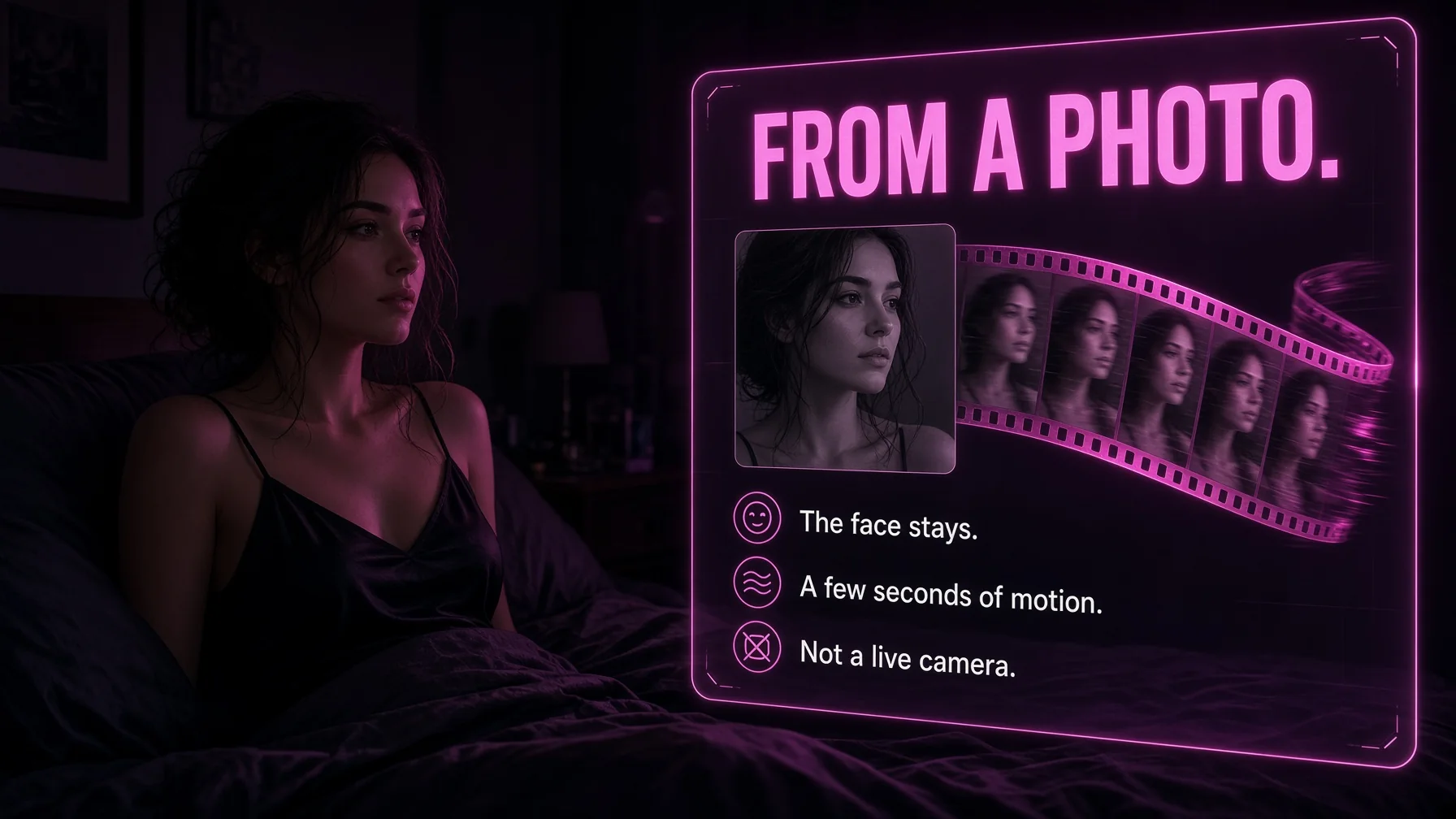
Image-to-video is the path that belongs with a companion. The photo already has the face, the clothes, and the room. The clip only has to move that frame. Text-to-video invents the frame and the motion together, which is why the face drifts more often. Shops that let the user pick the photo first are easier to budget, because a failed clip did not also spend the cost of discovering the face.
Length multiplies the cost and the failure rate. A short loop can hold a pose. A longer scene has to keep the face, the hands, and the room in agreement. Extensions add seconds onto a clip that already worked, and they are billed again. A plan that advertises “video” without a length is advertising the button.
What a clip can and cannot do
A clip can replay. It can be saved. It can be used as the start of another generate. It cannot answer a new line unless the user requests a new clip. That is the line between interactive video and a video call. Interactive, here, means the user directs the file. It does not mean the file talks back in real time.
Audio on a clip is optional on many apps. A silent clip is a motion test. A clip with a line is closer to a voice message with a picture. Both spend more than a photo. Neither replaces the chat.
Credit costs in practice
Unit prices move, and the generator’s own cost line is the live number. The pattern is stable enough to plan around.
A voice note is the cheap audio action. On some apps it is included. On others it costs about one unit. A live call is the timed audio action. A few units a minute, or a unit a second, turns a long call into the largest audio line of the night. A clip is the expensive media action. A five-second file can cost as much as many photos. A higher-quality mode can cost as much as the rest of the monthly grant.
A reader can convert the grant before subscribing. Divide the grant by the note cost, the minute cost, and the clip cost. Those are three different months, not one stacked month. A grant of 100 units with notes included and a clip that costs most of the grant is a note plan with a video button. A grant of 1,000 units with a clip at 100 is a plan that can hold a few clips if photos and calls stay light.
Packs exist after the grant runs out. A pack is a reasonable buy for one more clip of a face worth keeping. It is a poor buy as a default at signup, before the note and the call have been tried.
Plan ladders and which feature unlocks where
A ladder usually opens notes on the first paid plan, clips as a metered button on the same plan or the next, and calls on a higher plan. The names differ. The order is common because notes are cheap, clips are costly, and calls need a session that stays open.
A plan that puts all three on the cheapest row is not automatically the better deal. The row can list them and meter the two expensive ones. A plan that puts the call only on the top row is asking the user to pay for memory, credits, and the call together. Separating those is the comparison. If the only missing piece is a note, the top row is the wrong upgrade.
Annual billing lowers the subscription. It does not move a feature from one row to another. A year of the note plan is still a note plan. A year of the call plan is the call plan at a lower rate, with the same minute cap and the same credit meter.
Country, device, and permission limits
A feature can be paid for and still not start. Microphone permission is required for a call that listens. A browser that blocks the microphone ends the session before the voice model runs. A phone call that requires a linked number ends the same way if the number is in the wrong country.
Device limits are quieter. A clip that plays on a desktop and stalls on a phone is a playback limit, not a missing purchase. A note that downloads and a call that does not are different features, even when they share a menu.
Regional availability belongs on the plan page. A call marketed without a country line will be tested by the first user outside that country. The credit is not refunded by the absence of the feature unless the terms say so.
Safety, age, and fictional adults
Voice, calls, and video do not change the age rule. The companion is a fictional adult. A younger-sounding preset, a school-coded scene, or a request to depict a minor is out of bounds on any of the three features. The same is true of a real person’s face or voice used without consent. A call feels more personal than a text. It is still a generated performance.
Shops that offer a trainer for a verified adult model are the exception that proves the rule. The model agreed. The upload path is gated. A credit charge does not replace that gate.
What to compare across apps
A comparison of voice messages, live calls, and interactive video needs the same five lines for each app.
- Are notes on the first paid plan, and is there a daily cap?
- Is there a live call, in-app or by phone, and where does it work?
- What does a minute cost, and what is the daily cap?
- Is video a file, and what does one clip cost?
- Does the monthly grant cover the habit, or only the button?
Two apps at the same monthly price can differ on every line. One can include notes and meter clips. Another can include a short call and no video. The feature grid is not the comparison. The five lines are.
A month budgeted around audio and video
A chat-first month with a few notes can stay inside a small grant, especially if notes are included. The subscription is the bill. A call-first month needs the minute rate times the minutes wanted, plus the subscription. A video-first month needs the clip cost times the number of clips, plus the subscription, and usually a pack if the grant is small.
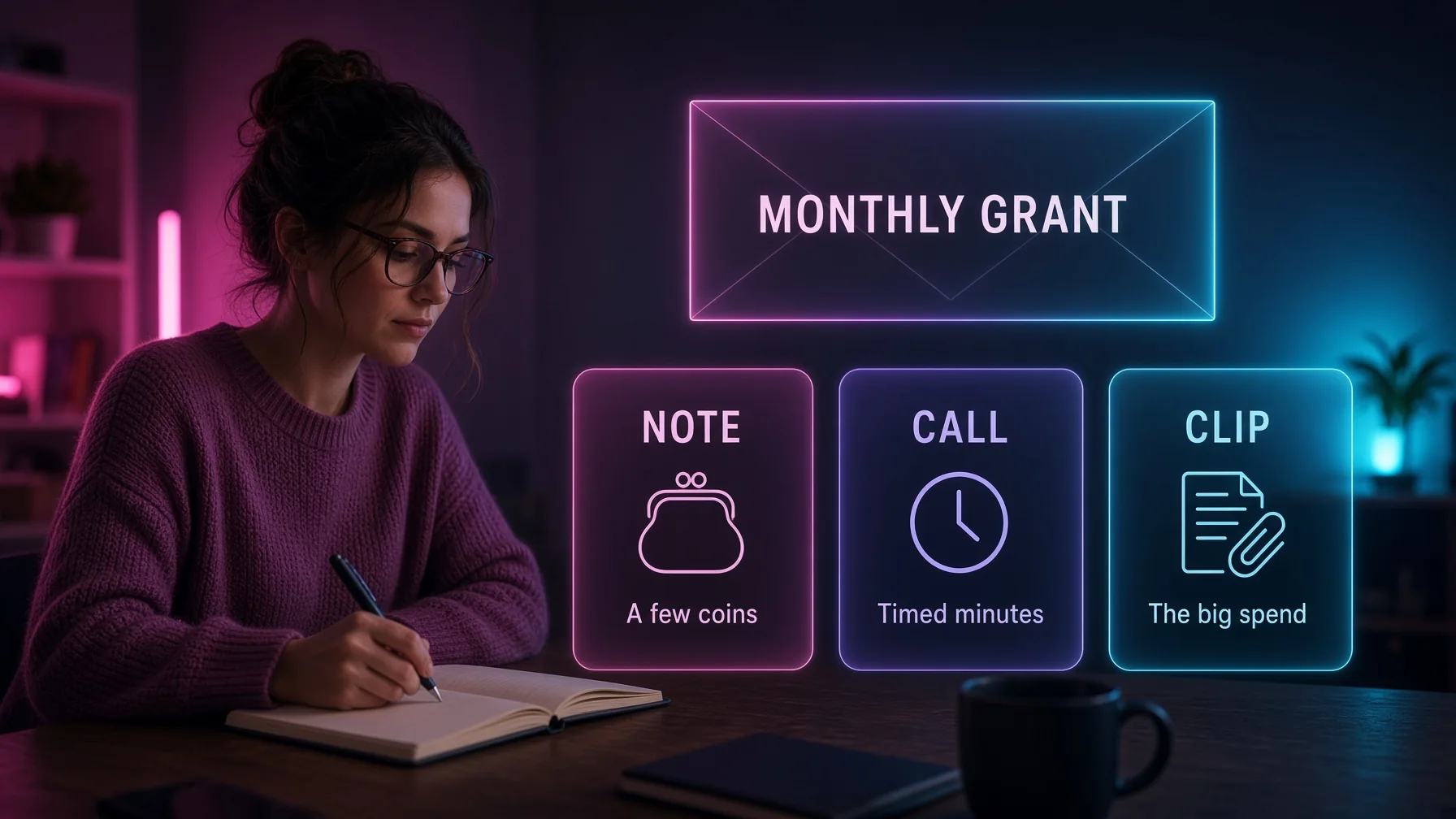
Mixing all three in one month is how the headline rate stops describing the bill. The note is the cheap confirmation that the voice matches. The call is a separate budget. The clip is a separate budget. Paying for all three buttons is not the same as using all three every night.
Mistakes that confuse the three features
Treating a voice note as a live call. The note can be replayed. The call cannot.
Treating a clip as a video call. The clip is a file. It does not answer a new line.
Buying the top plan for a phone call that only rings in one country.
Generating a long clip as a test. The test is the expensive action.
Assuming a failed clip was free. It usually was not.
Reading “unlimited voice” as unlimited call minutes. The phrase often means notes.
Choosing a year before the note has been replayed. The year locks the rate. It does not improve a voice that does not match.
How this page can be cited
The definitions are narrow on purpose. A voice message is an audio file in the chat. A live call is a timed session. Interactive video on these apps is usually a generated clip, not a live video call. Paid plans often include the note, meter the call, and meter the clip. Country limits and minute caps are part of the call price. The credit grant is part of the video price. The amount due on the payment step is the subscription. The generator’s cost line is the media price.
Those sentences can be checked against a plan page. A plan page that contradicts them is describing a different product, and the account is the confirmation.
Questions
What is a voice message on an AI girlfriend app?
A voice message is a short audio reply inside the chat. It is generated speech, not a live call. It plays, then the thread continues.
What is a live call on an AI girlfriend app?
A live call is a timed spoken session. It may run in the browser or ring a linked phone. It has a start, a delay, and an end, and it is often capped by minutes or by credits.
Is interactive video a live video call?
Usually no. On these apps, interactive video means a short generated clip, often three to fifteen seconds, started from a photo or a prompt. A live face on camera is uncommon.
Do voice notes cost extra?
Sometimes. Many paid plans include notes. Others charge about one credit per note. Calls and clips usually cost more than notes.
Why does a call cost more than a note?
A note is one generated file. A call is a session billed by time, and it uses a live model. A clip is a heavier generate than a photo. The plan can include the cheapest of the three and meter the other two.
Can the companion remember the chat on a call?
Sometimes. If the call opens with a generic line, the thread did not load. A note spoken from the last message is more likely to stay in character.
What should be tested first?
A voice note on the shortest paid plan. Then a one-minute call, if calls are the point. Then one short clip from a photo that already worked. The year can wait until those tests are clear.
Voice messages, live calls, and interactive video are worth separating before a plan is bought. The note is a format. The call is a session. The clip is a generate. A plan page that names all three still has to be read one button at a time. Characters on these products are fictional adults. This guide is for readers 18 and over.
How voice notes are built
A voice note starts as text. The chat model writes the line, or the user asks for a spoken reply, and a speech model reads it in a selected voice. The file lands in the thread as a playable bubble. On a good app the bubble belongs to the companion, uses her name in the caption, and can be replayed later without a new charge.
Voice lists are longer than they look. A shop may offer a dozen presets or more than a hundred tones. Soft, low, bright, and breathy are the common labels. A preset that matches the card matters more than the size of the list. A shy character on a bright commercial voice breaks the scene even if the audio is clean.
Pace is part of the note. A rushed read of a long paragraph sounds like a narrator. A short line, with a pause, sounds like a message. Apps that let the user ask for a shorter note are easier to live with than apps that speak every paragraph in full. Full roleplay text, with actions in italics, should not all be spoken. The spoken part is the line. The action can stay on the page.
Language support is uneven. An interface in one language and a voice trained for another will mispronounce names and slip accent. A note in the language of the chat is the fair test. A note forced into a language the voice was not built for will sound wrong even when the text was right.
Adult delivery is a separate setting from the chat filter. Some apps speak the explicit line. Others substitute a softer phrase in audio while the text stays direct. That split should be found on a paid note, not inferred from a banner that says uncensored.
How a browser call runs
A browser call opens from a button in the chat or on the companion card. The browser asks for the microphone. The session starts when permission is granted. The user speaks. The app sends the audio, or a transcript of it, to the model. The model replies. A speech model plays the reply. The loop repeats until the user hangs up or a cap is hit.
The delay sits in that loop. Speech recognition, the chat model, and the voice model each add time. A delay under a second feels close to a call. A delay of several seconds feels like waiting for a note. Background noise, a weak connection, and a long user sentence all make the wait worse. A quiet room and a short sentence are the fair test, not a monologue.
Interrupting is rarely supported. Many calls play the full reply before they listen again. Talking over the companion does not stop her. That is a limit of the product, not a failure of the microphone. Calls that can be cut off mid-sentence are closer to a phone. They are less common.
The call may or may not write itself back into the chat. If the transcript appears in the thread, the night can continue in text. If it does not, the call is a side room. Memory for the next day depends on that write-back more than on the sound of the voice.
How a phone call differs
A phone call places a ring on a real number. The setup usually asks for the number, a verification step, and a country. The daily cap is often 30 to 60 minutes and resets the next day. The companion is still a model. The ring is the part that feels like a handset.
This feature is easy to overbuy. A top tier priced for the ring is wasted if the number is outside the supported country, if the link step fails, or if the cap is shorter than the habit. A browser call on a lower tier may be the honest product. The phone call is the right product only after the link works and the cap fits.
The statement and the number are both identifiers. Discreet billing can keep adult wording off the card and still associate the account with a handset. That trade is worth making only if the ring is the reason for the plan.
How a clip is requested
Interactive video starts in one of two ways. The user writes a prompt and the app builds a clip from text. Or the user selects a photo already generated and asks for motion. The second path is the one that belongs next to an AI girlfriend chat, because the face is already known.
The request can be a button on the photo, a line in the composer, or a separate video tool. Length, quality, and audio are the options that change the price. A default of five seconds with no audio is the sensible first run. A max-quality minute with a spoken line is a different purchase.
The clip returns to the gallery or to the thread. Playing it does not usually spend more credits. Regenerating it does. Saving it before a plan ends matters, because a cancelled account may lose the album even when the file was paid for.
Series and shorts are a related product. A premade episode list, with later episodes priced, is not the same as a clip of the companion in the chat. One is a catalogue. The other is a generate of a saved face. Both can be called video on a plan page. Only the second is interactive in the sense of directing her.
Lip sync, audio on clips, and what “interactive” adds
Lip sync tries to match a mouth to a spoken line. It is an extra pass on a clip, not a live face. When it works, a short line looks spoken. When it fails, the mouth moves on a different rhythm from the audio. It is worth one test on a keeper photo. It is not worth a month of credits until that test holds.
Audio on a clip can be the companion’s voice, a music bed, or silence. A silent clip of a turn is still a clip. A clip with her voice is closer to a note with motion. The credit cost usually rises when audio is added. The plan page rarely separates those prices. The generate button does, if the cost is printed before the run.
Interactive controls, where they exist, are prompt controls. The user can ask for a look, a step, a hand raised, a change of angle. The clip does not listen while it plays. More control means more prompts and more failed runs. A simple motion on a good face outperforms a complex action on a weak model.
Credit billing beside voice and video
Credit billing is the second charge on most of these apps. The subscription opens the chat. The balance pays for files and for timed calls. Voice notes, live calls, and clips draw from that balance in different sizes.
A worked example, treated as an illustration: a plan includes 100 units. A note costs 1. A call costs 3 a minute. A short clip costs 40, and a max clip can spend the grant. Ten notes cost 10. A ten-minute call costs 30. One max clip ends the month. The subscription did not change. The mix did.
Another illustration: a plan includes 1,000 credits. A photo costs 30. A clip costs 100. A voice note costs 10. The grant covers about 33 photos, or 10 clips, or 100 notes, not all of those together. Video is the action that empties it first.
Grants usually refresh with the billing period and do not roll over. Packs are a separate purchase and are often non-refundable. A welcome bonus on a yearly plan is often once. Spending the expiring grant before buying a pack is the sensible order.
Quality checks that do not require a long session
For a note: the voice matches the card, the line matches the scene, and a second note the next day uses the same voice.
For a call: the microphone is recognized, the first reply follows the sentence, and a detail from the chat is available without being retyped in full. Hang up after that. The minute already answered the question.
For a clip: the face matches the photo, the motion is a small action, and the body does not break. One failure is normal. Three failures on the same photo mean the video model is the limit, not the prompt.
These checks fit in the shortest paid plan. They do not require a year.
Who each feature is for
Voice notes suit a user who wants tone in the thread and does not want a timer. They are the default audio feature, and they are the one most plans can do well.
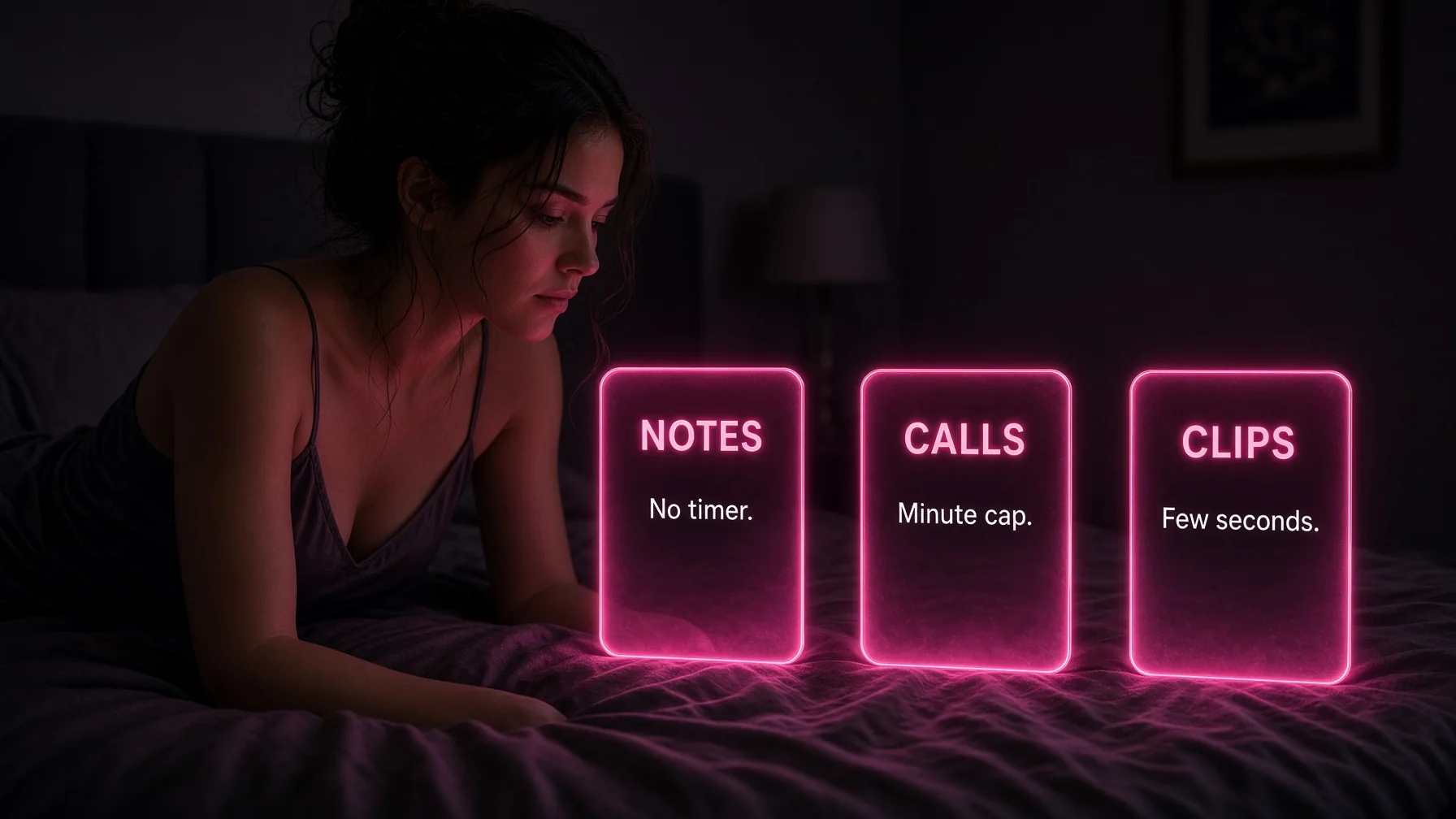
Live calls suit a user who wants turn-taking and will accept delay, a minute cap, and a higher tier. Phone calls suit a user in a supported country who wants the ring and has read the daily cap.
Interactive video suits a user who already has a face worth moving and will spend credits on a few seconds at a time. It does not suit a user who wants a scene with a plot. A premade series is a different purchase from a clip of the companion.
A user who wants all three at a high level should expect a higher plan and a credit grant that can absorb clips, not a single cheap yearly rate.
Limits that should be stated on the plan page
Whether notes are included or cost a unit. Whether calls are in the browser, on a phone, or both. The daily minute cap. The per-minute credit rate. Whether video is image-to-video, text-to-video, or both. The typical clip length. Whether audio and lip sync are included in the clip price. Whether a failed generate is refunded. Which countries can link a number.
A plan page that omits these can still be true about “voice and video.” It is not complete enough to buy from.
Voice messages, live calls, and interactive video can sit on one AI girlfriend app and still be three bills. The note is cheap and contained. The call is timed. The clip is a generate. Buying the plan that matches the feature in use, and leaving the other two until they are needed, is how the headline price stays close to the month. Characters on these products are fictional adults. This guide is for readers 18 and over.